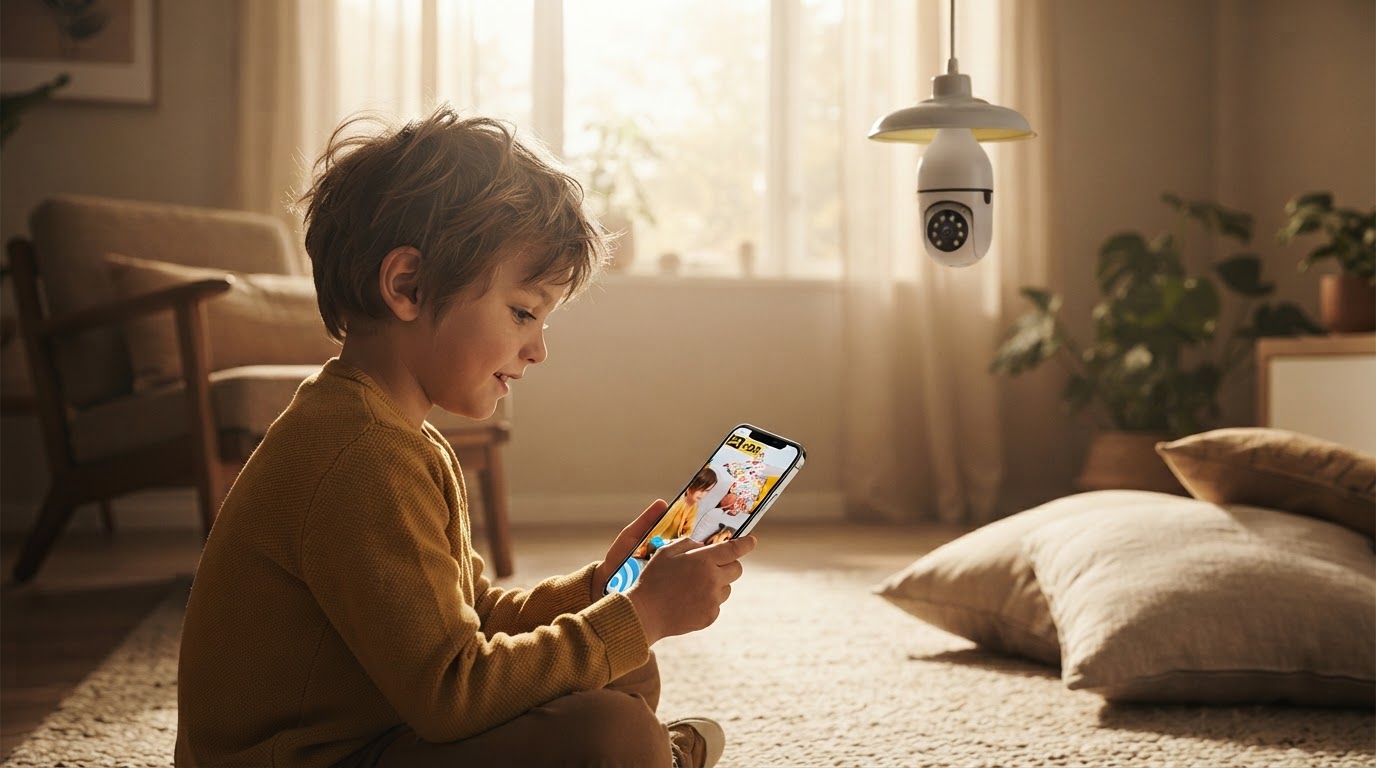
A 4-Step Setup for the Bulb Security Camera
 Sam VasquezBuying Guide Lead
September 8, 2026 — The rising demand for low-friction home monitoring has placed the Bulb Security Camera at the forefront of the screw-in hardware trend. As more homeowners look to avoid the labor-intensive process of drilling through brick or siding, these E27-compatible devices have become a preferred alternative to traditional wired systems.
Home security trends currently favor hardware that utilizes existing infrastructure, specifically the standard light socket. While traditional cameras require dedicated power lines, a Bulb Security Camera draws power directly from the lamp holder, effectively turning a porch light or hallway fixture into a 360-degree monitoring station. This shift toward "plug-and-play" hardware is reflected in the thousands of users now searching for E27 bulb camera setups to simplify their domestic surveillance.
The 4-Step Installation Framework
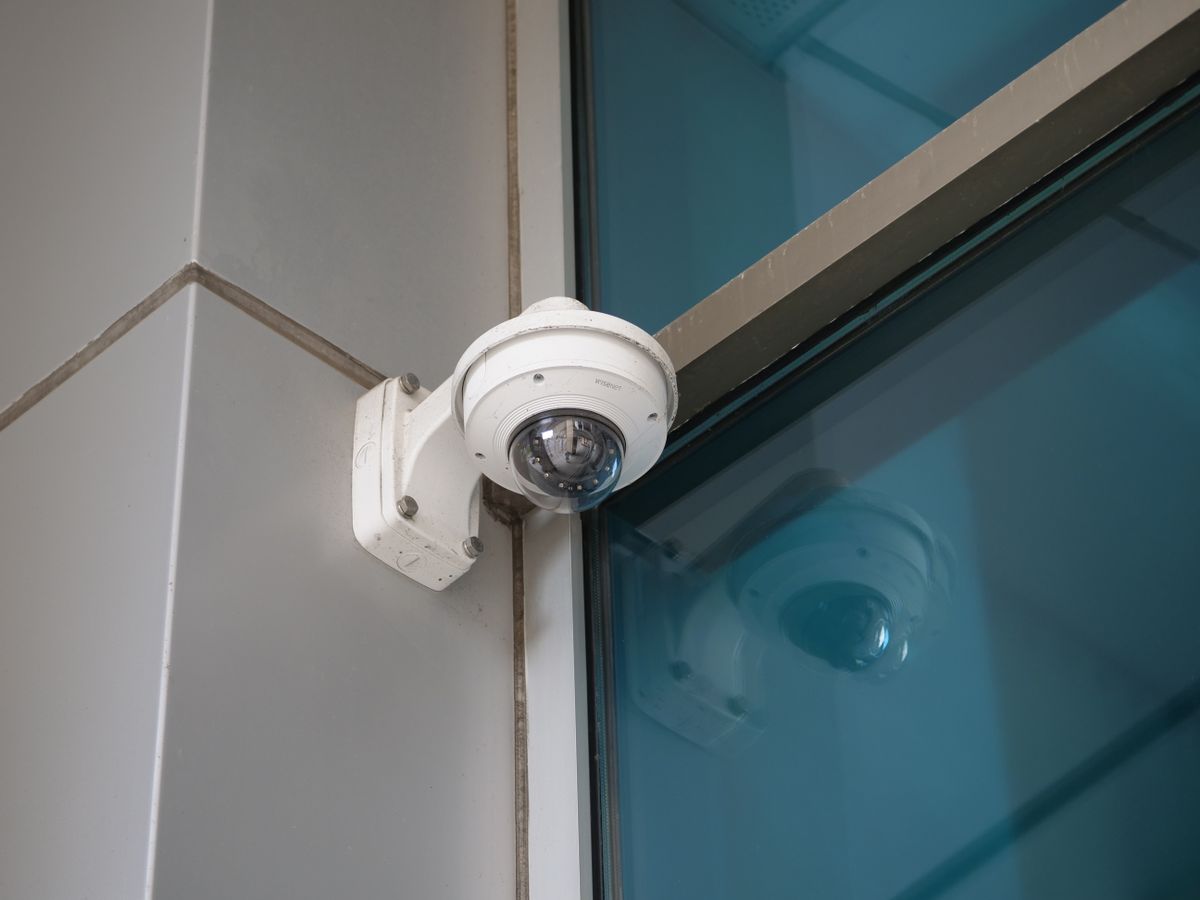
Photo by Giant Asparagus on Pexels
Installing a screw in security camera requires a specific sequence to ensure the internal WiFi antenna properly handshakes with your router. First, ensure the power switch for the target light socket is in the 'off' position to prevent electrical surges during the threading process. Second, screw the device into any standard E27 socket, ensuring a snug fit without over-tightening, which can damage the contact points. Third, restore power and wait for the camera's internal motor to complete its diagnostic rotation—this usually indicates the 360-degree panning mechanism is functional. Finally, use a smartphone to scan the QR code provided on the housing to sync the device to your local 2.4GHz network. The technical specifications for these units are built for standard domestic use, typically featuring 1080p resolution and night vision capabilities that trigger automatically when the ambient light drops below a specific lux threshold. Unlike heavy industrial units, these cameras are lightweight enough for indoor ceiling fans or outdoor porch fixtures, provided they are shielded from direct rainfall. Between these two options—a dedicated wired system or a wifi light socket camera—I'd go with the bulb-based unit for any rental property or area where you cannot modify the walls.
Expert tip: If you are using this as a screw in security camera outdoor solution, ensure your porch light fixture is not controlled by a motion-sensing switch, as this will cut power to the camera's recording and WiFi functions every time the light turns off.
I prefer the ease of the Bulb Security Camera for most entryways, but skip this if you have an older home with recessed lighting cans that are too deep, as the camera's 360-degree field of view will be obstructed by the metal housing. If you're on a budget, utilizing a single socket for both light and vision is the most cost-effective way to cover a room without hiring an electrician.