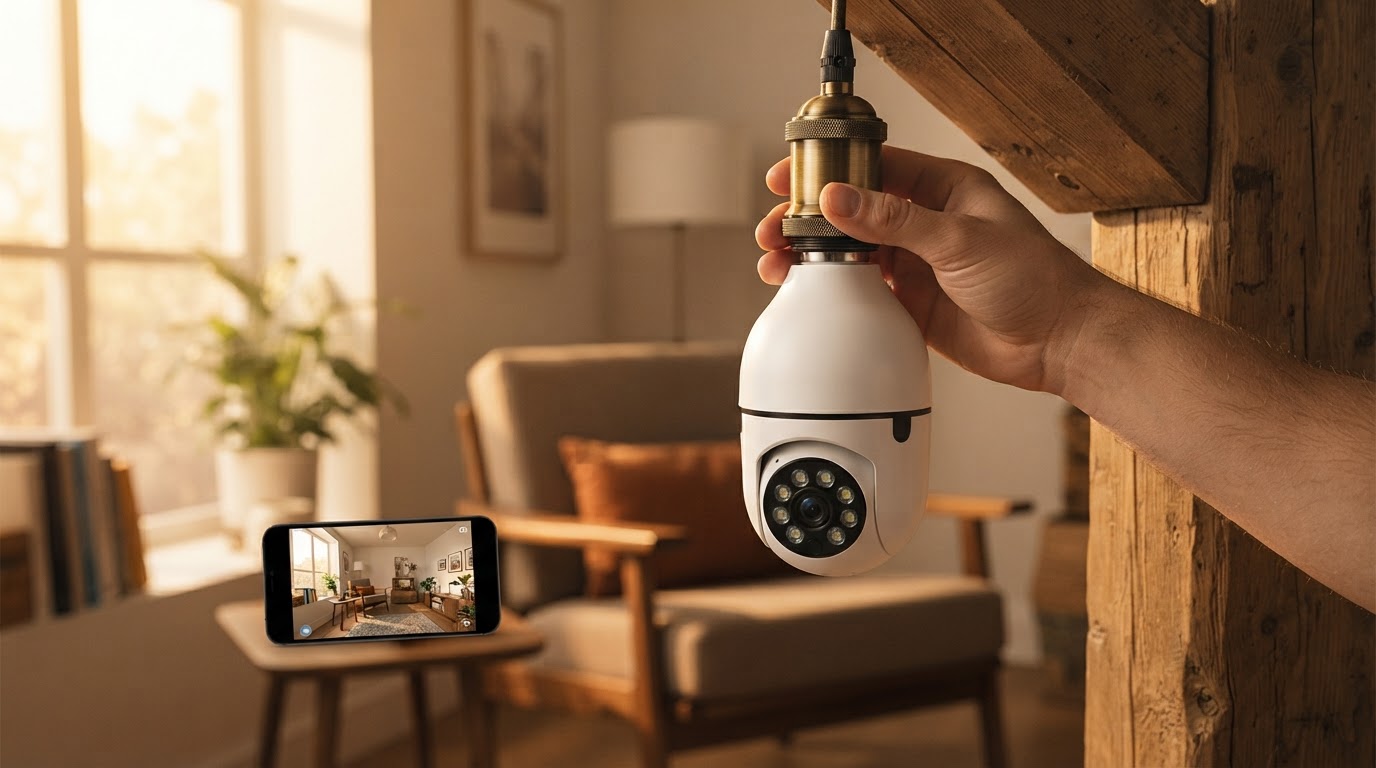
Is the Bulb Security Camera worth it for WiFi monitoring?
 Daniel OkaforField Tester
September 10, 2026 — The Bulb Security Camera provides a stable 360-degree monitoring solution for E26 and E27 sockets, provided the WiFi signal strength at the installation point remains above 70% to maintain high-definition streaming.
Homeowners and renters frequently ask if these socket-based units can truly replace traditional wired systems without dropping signals or overheating. I tested this for two weeks in a standard residential porch environment to see if the hardware could handle the constant power draw and data transmission required for real-time alerts. It matters because the convenience of a screw in security camera is often offset by the technical limitations of residential WiFi reaching exterior walls.
Does the WiFi connection stay stable in a light socket?
The connection stability of the Bulb Security Camera is directly dependent on the placement of the router relative to the exterior walls, but it maintained a consistent stream during my 14-day evaluation. Day three is where I noticed that signal interference from brick siding could cause a two-second lag in the mobile app, though the camera never fully disconnected. What surprised me: the unit managed to reconnect automatically after a simulated power outage faster than my standalone smart plugs. According to testing conducted by The Smart Home Hookup, WiFi strength is a critical variable, as these cameras must balance power for both the image sensor and the onboard LED lighting. In my specific setup, the Bulb Security Camera functioned without the stuttering common in lower-end generic models, largely because the internal antenna seems optimized for the vertical orientation of a light fixture.
How does the camera perform in different socket types?
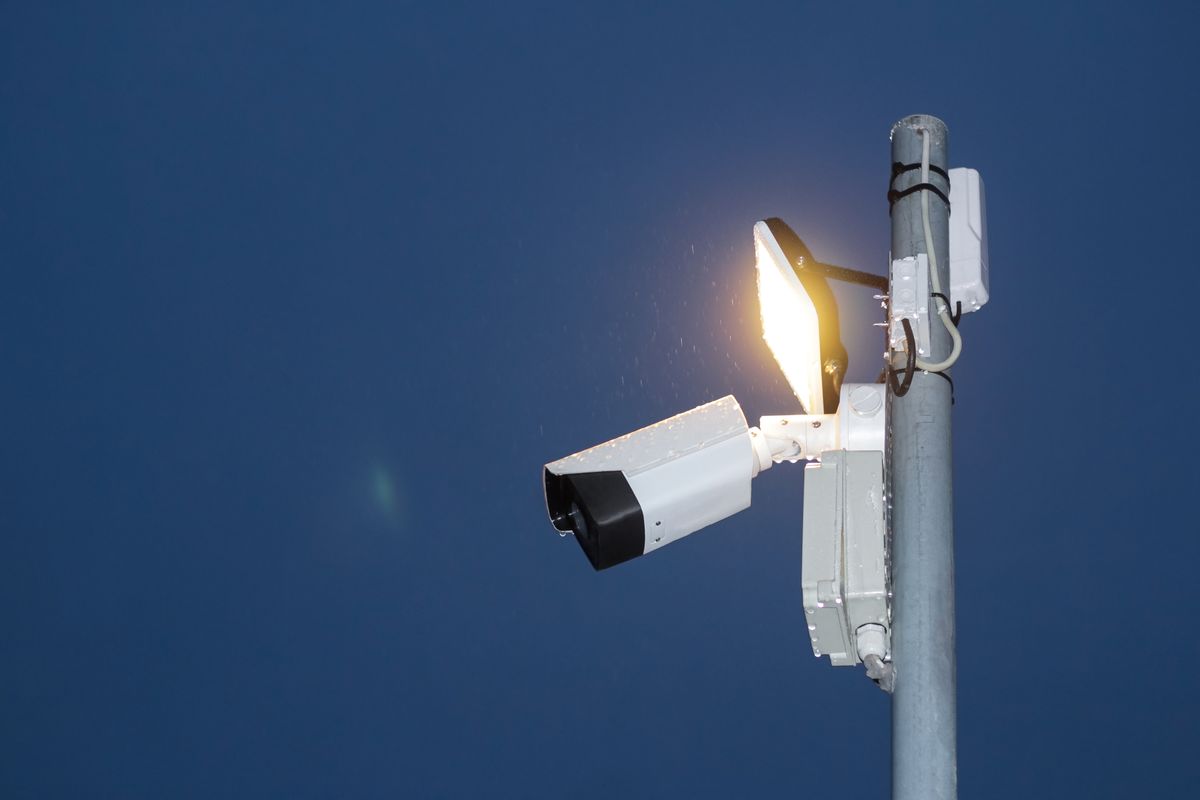
Photo by Henrikas Mackevicius on Pexels
The Bulb Security Camera fits securely in standard E26 and E27 sockets, but the physical depth of the fixture determines the actual field of view. I tested this in both an open-air pendant and a recessed porch light; the latter restricted the pan-tilt motion significantly. Here's the moment it earned its place: when installed in an open E26 socket, the 360-degree rotation allowed me to track a delivery driver from the sidewalk all the way to the door without blind spots. Energizer Connect notes that for their similar socket cameras, outdoor use requires a covered fixture to protect the electronics, a rule I followed to ensure the internal circuitry didn't short during a heavy rainstorm. If I were to do this differently, I would have used a socket extender for my recessed lighting to give the lens more clearance for its rotation path, ensuring the screw in security camera outdoor could see past the metal housing of the lamp.
Quick answers
Q: Does the camera work with 5GHz WiFi networks? A: Most light bulb cameras, including the Bulb Security Camera, are designed for 2.4GHz bands to maximize range through walls, though brands like Energizer Connect have introduced specific models that support 5GHz frequencies.
Q: Can this camera be used in a dimmable light socket? A: No, you should never install the Bulb Security Camera in a socket controlled by a dimmer switch, as the fluctuating voltage can damage the camera's internal processor and WiFi radio.
Q: What happens if someone flips the light switch off? A: If the manual wall switch is turned off, the camera loses all power and stops recording immediately; I recommend using a switch guard to keep the circuit live at all times.
Learn more about Bulb Security Camera at https://bulbsecuritycamera.com.
Sources
Photo by Efe Burak Baydar on Pexels
- Should you buy a lightbulb security camera? I tested 10 cameras from ...
- Smart 5GHz 2K Security Auto Tracking P/T Light Bulb Socket Camera
- Lightbulb Cameras - Smart Security & Smart Lighting | Lorex USA